

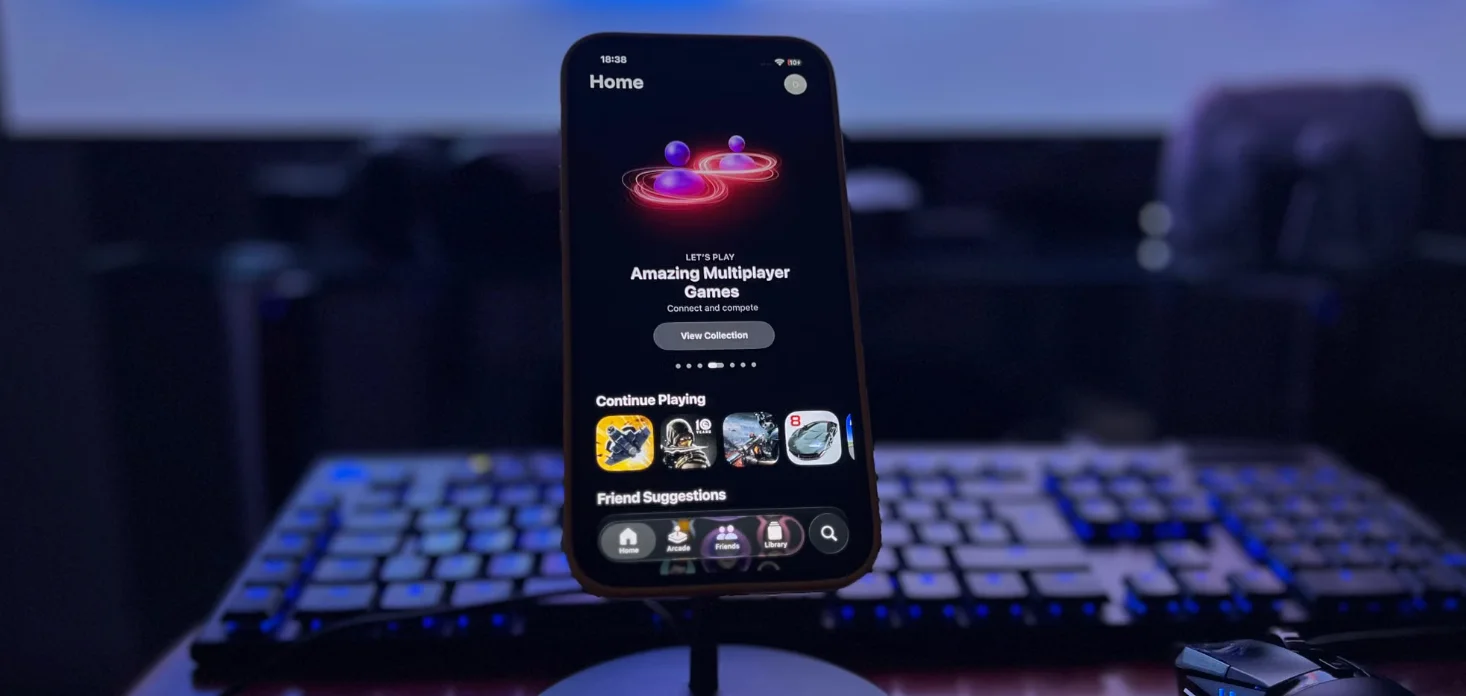
Imagine reaching for your usual game app, then remembering that for the next 30 days you have decided to play only games that open in a web browser. No familiar app icon. No automatic assumption that your progress will follow you to another device. Just a browser tab and the question of whether the experience is good enough to keep.
The headline describes a 30-day challenge, but this article is an experiment framework, not a report of a completed personal trial. We have not verified a real 30-day gameplay diary or measured an individual’s device usage. Instead, here is a realistic account of the trade-offs to track if you want to compare browser games and installed mobile games for yourself.
Before day one: define what counts as a browser game
For a fair comparison, a browser game should play through a website without requiring a separate game-store installation. A website saved to your Home Screen still runs through web technologies, even if it looks similar to an app. Set a simple rule: if a title requires installing a dedicated native game app, it does not count for this experiment.
Take note of the games you currently use, the time you typically spend playing and whether each supports account-based saves. This baseline prevents you from making sweeping claims based on one enjoyable afternoon.
Days 1–7: convenience looks different
At first, browser play may feel refreshingly direct. You can open a link, try a new puzzle and leave without filling your Home Screen with another icon. The trade-off is that returning to the exact game may require a bookmark or saved tab.
Some sites offer installable web-app behavior. MDN’s introduction to progressive web apps explains how websites can provide app-like experiences through web-platform features. That does not mean every browser game supports installation or offline play. Treat those as individual features, not guarantees.
Days 8–14: saving progress becomes more important
Short games are easy to replace. A long-running adventure or puzzle streak is another matter. In the second week, pay attention to whether you can leave a game and return without losing your place. If it uses a login, test that feature before depending on it.
Browser-local saves are not automatically synchronized between devices. Microsoft’s guide to storing web-app data on a device outlines local storage, IndexedDB and caching. These technologies can support continuity, but the game developer has to implement the right behavior.
Days 15–21: battery, data and offline assumptions
It is tempting to claim that browser games always use less battery or storage than installed games, but neither statement is universally true. A small native app may be efficient while a visually complex web game may demand significant processor power. A browser game with repeated downloads can also be a poor match for a limited mobile-data plan.
Some web apps cache assets to make subsequent visits faster. MDN’s caching guide explains how locally cached resources can reduce repeat network requests. But multiplayer updates, advertisements and fresh assets may still transfer data. Test usage in your device settings rather than judging by whether a game “looks lightweight.”
Days 22–30: which games would you actually keep?
The final part of the experiment is about habits. Which games were worth bookmarking? Which ones only worked well with a stable connection? Did controls become frustrating, or did shorter sessions make browser play more convenient? Record examples rather than relying on memory.
Do not worry about playing every single day. The goal is to compare experiences fairly, not to turn recreation into an obligation. A few thoughtful sessions can still reveal whether the browser format works for your favorite genres.
A useful 30-day comparison sheet
| Period | Focus | Questions worth recording |
|---|---|---|
| Days 1–7 | Access and startup | Did games open easily? Which links did you bookmark? |
| Days 8–14 | Saves and return visits | Did checkpoints survive restarts? |
| Days 15–21 | Data and device comfort | Were downloads frequent? Did the device become warm? |
| Days 22–30 | Long-term appeal | Which games felt worth revisiting? |
What browsers still cannot promise
Offline access is not an automatic feature of a browser game. It needs to be implemented with suitable caching and, in many cases, a service worker. MDN’s offline and background operation guide describes how web apps can serve stored resources when a connection drops.
Likewise, a simple home-screen shortcut does not turn a game into a native app, and local progress can still disappear if site data is cleared. Those limitations are worth understanding before moving away from a game app that already has reliable cloud saving.
The takeaway from a 30-day browser-only experiment
Browser gaming is especially attractive when you enjoy sampling quick arcade games, puzzles and casual challenges. Installed games can remain the practical option for titles that need advanced graphics, robust background features or a deeply integrated account system.
Rather than declaring one format the winner, judge it by the experience you care about: fast access, dependable controls, save reliability and the willingness to return. Those are the observations that would make a real 30-day test worth sharing.








4 Responses